
See where your money went.
The expense tracker that reads your orders for you.


What happens to your data.
Depensa never sees your password.
You sign in on each shop's own page, on your phone. Depensa never sees what you type or the shop's one-time code.
It reads your orders and nothing else.
The merchant, date, amount and items of each order. Not your email, your messages, or any page outside the shop's order history.
No ads. No data selling.
Depensa does not sell your data or show ads, and gives nothing to data brokers. In the app, usage analytics stay off unless you turn them on.
Sign in once, and your orders show up.
01
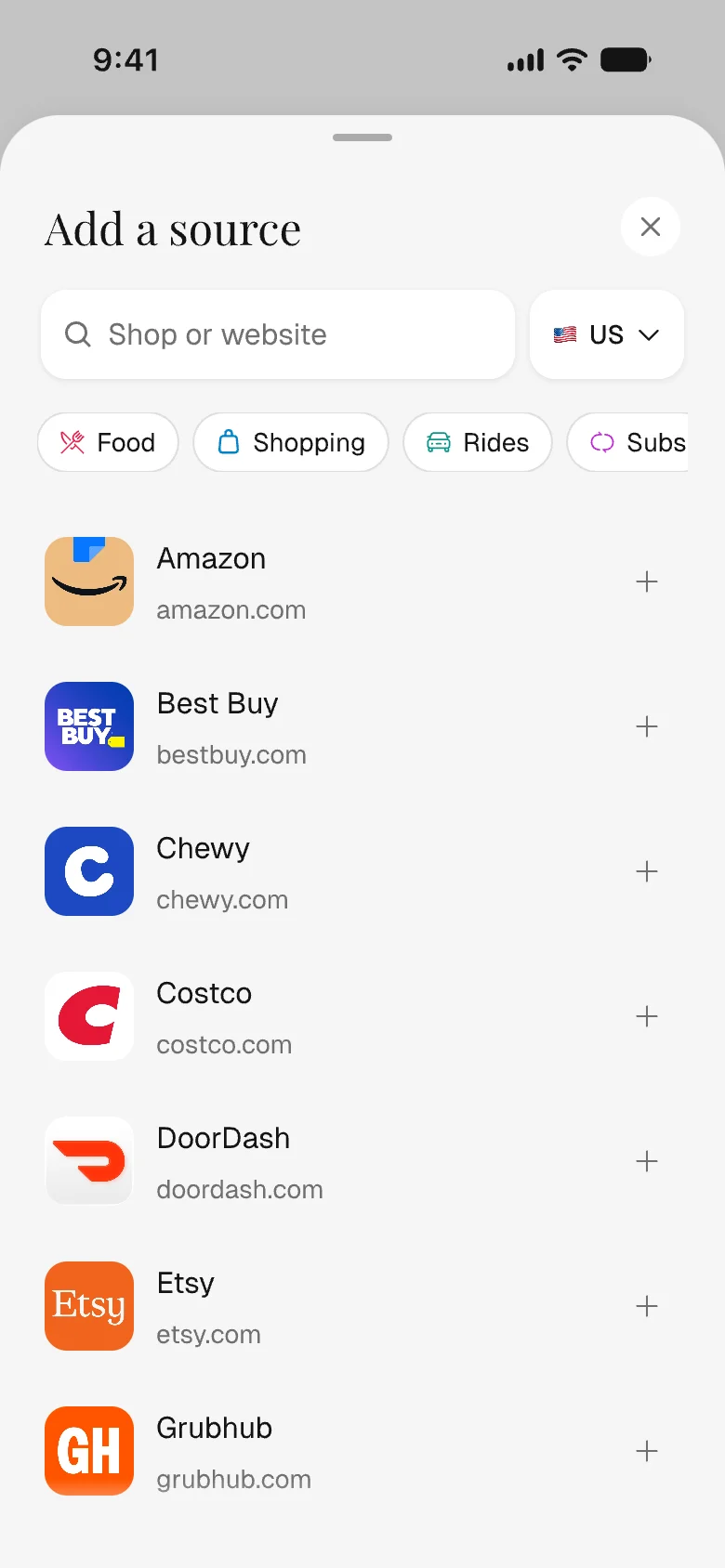
Sign in on your phone.
02
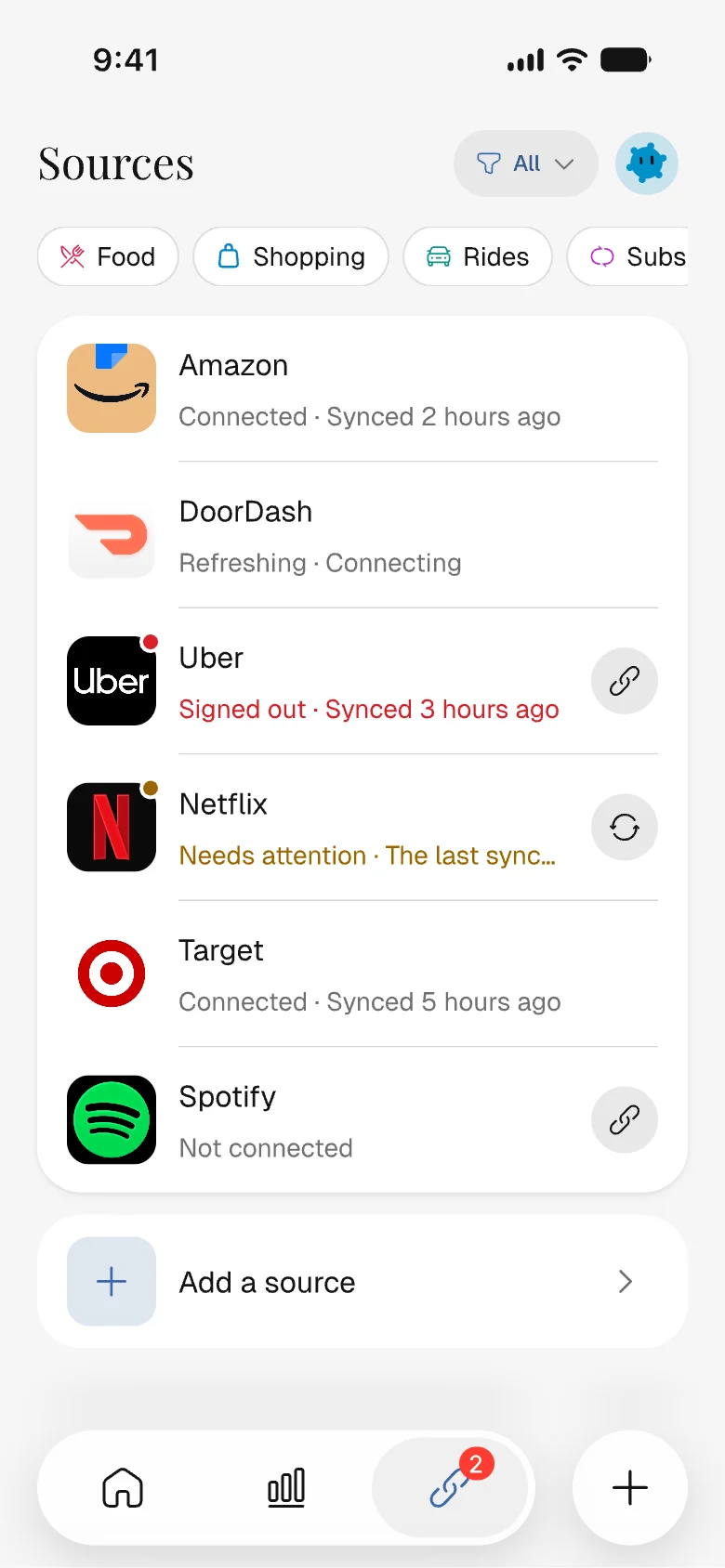
Depensa finds your orders.
03
Every order lands in a category.
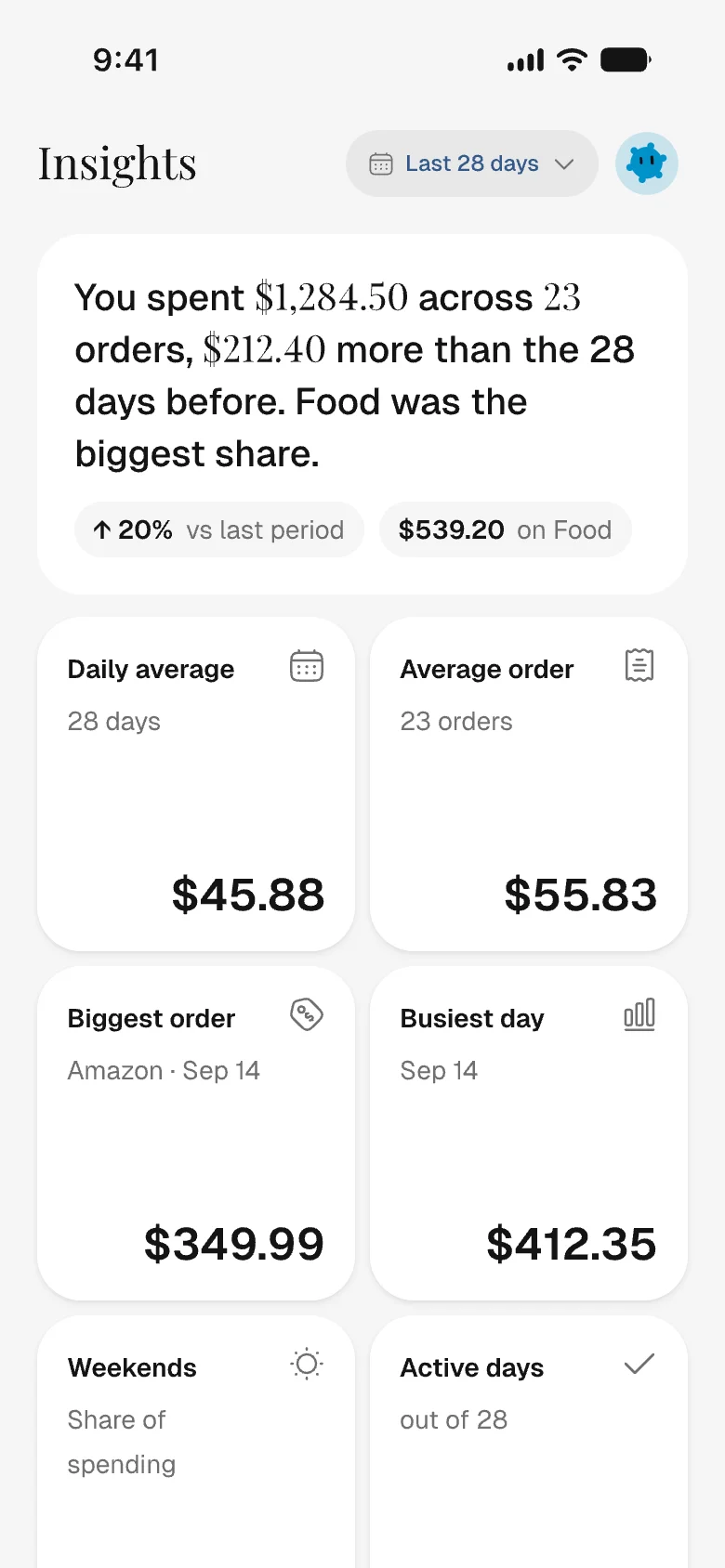

Once your orders are in, here is what you get.
Every shop in one list
Amazon, Uber, Target and the rest, added up into one total.
What was in each order
The items and what each one cost, so a big grocery run still makes sense a month later.
Sorted into categories
Each order lands in its shop's category. Move one and it stays put.
Subscriptions and renewals
Spots charges that repeat, like Netflix, and shows when each is due next.
Monthly budgets
Set a limit for a category or a shop and see how much is left this month.
Export or delete your data
Email yourself a spreadsheet of your expenses, or delete your account.
Frequently asked questions.
Yes. You sign in on the shop's own page, inside the app on your phone, and Depensa never sees what you type or the one-time code. It keeps the session the shop hands back, encrypted, and uses it only to read your order history.
Read the privacy policy